Yes, you can get a library card online in South Florida, and all three county systems let you start borrowing e-books the same day you apply. Miami-Dade Public Library System, Broward County Library and Palm Beach County Library System each run an online application that issues a digital card number for Libby, hoopla and research databases, and each still asks you to show ID at a branch before you can check out physical books. Below is how each application works, who qualifies for a free card, and what to do when the form rejects your address.
Quick steps: get a library card online
- Confirm which county library system serves your address.
- Open that system’s website and find the library card application.
- Enter your name, birth date, home address, email and phone.
- Agree to the borrowing terms and submit the form.
- Save the card number and PIN sent to your email.
- Sign in to Libby or hoopla with that number.
- Visit a branch with ID within the stated window to activate full borrowing.
What you need
- Florida driver’s license or state ID
- Proof of current address if your ID is outdated
- Email address you check regularly
- Phone number
- Parent or guardian present for applicants under 18
Step 1: Figure out which library system you belong to
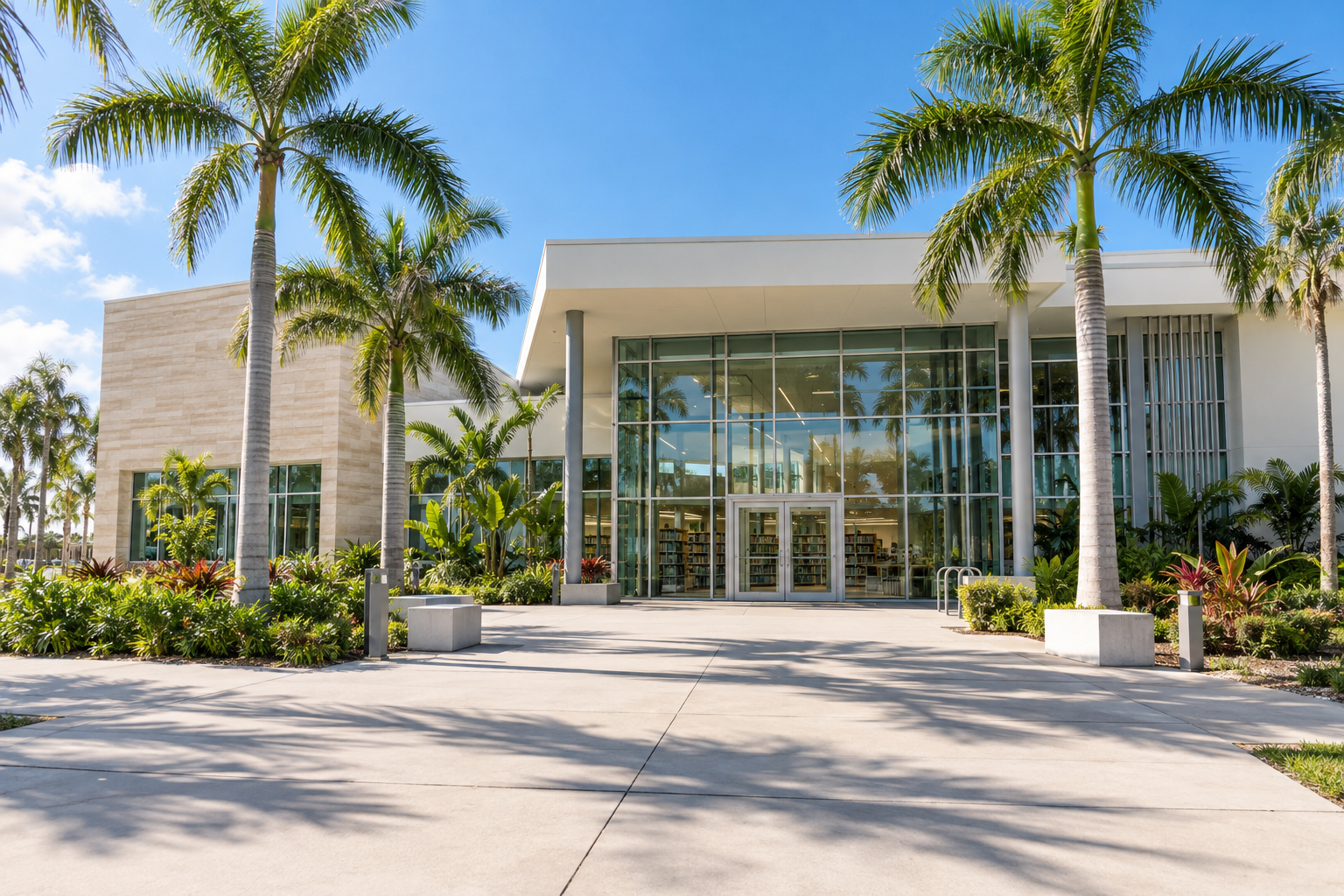
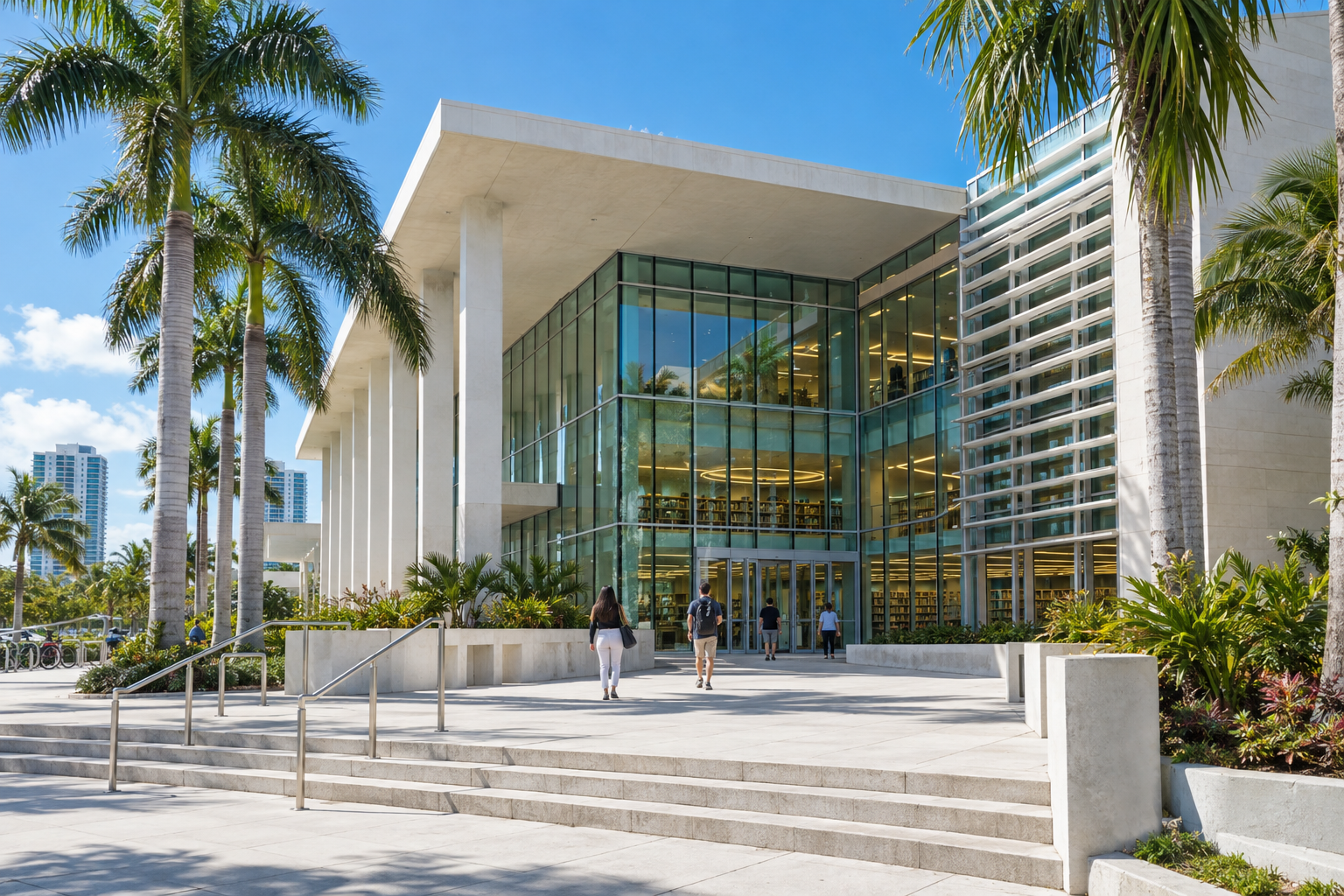
South Florida has three big county systems, and the county line decides where your tax money goes. If you live in Miami-Dade County, apply with Miami-Dade Public Library System at mdpls.org. Broward residents use Broward County Library at broward.org/library. Palm Beach County is trickier.
Palm Beach County Library System serves the “library taxing district,” which is most of the county but not all of it. Several cities fund their own municipal libraries instead, including Boca Raton, Delray Beach, Boynton Beach and West Palm Beach. If you live in one of those cities, your free card comes from the city library, and a county card costs a non-resident fee. The county library website has an address lookup and a map of the taxing district. Check it before you fill out anything.
A quick way to tell: look at your property tax bill or your landlord’s. A line item for the county library district means the county system is yours.
Step 2: Find the online application
Each system labels it a little differently, so look for “Get a Card,” “Apply for a Library Card” or “Library Card Registration” in the main navigation. The form is usually linked from the account sign-in page too.
Here is what to expect from each:
- Miami-Dade Public Library System: The online registration creates an account you can use immediately for digital collections. It is meant for Miami-Dade residents. The system treats the online card as a starting point, and you upgrade it in person.
- Broward County Library: The online form issues a card number for e-resources right away. Broward also extends free cards to people who work or own property in the county, not just residents, so check the eligibility list if you commute in.
- Palm Beach County Library System: The online application gives taxing-district residents access to digital services on submission. Ask the library whether a physical card will be mailed or whether you need to pick it up, since that detail can change.
Skip any third-party site that offers to “apply for your library card” for a fee. Cards come only from the libraries themselves, whether that is the county system or a municipal library in the Library Cooperative of the Palm Beaches such as Boynton Beach City Library, Delray Beach Public Library or West Palm Beach Public Library, and eligible residents never pay to apply. Non-residents can buy a Palm Beach County card for $55 for six months or $95 a year, and the county library can also issue cards through an online video chat rather than only at a branch.
Step 3: Fill in the form accurately
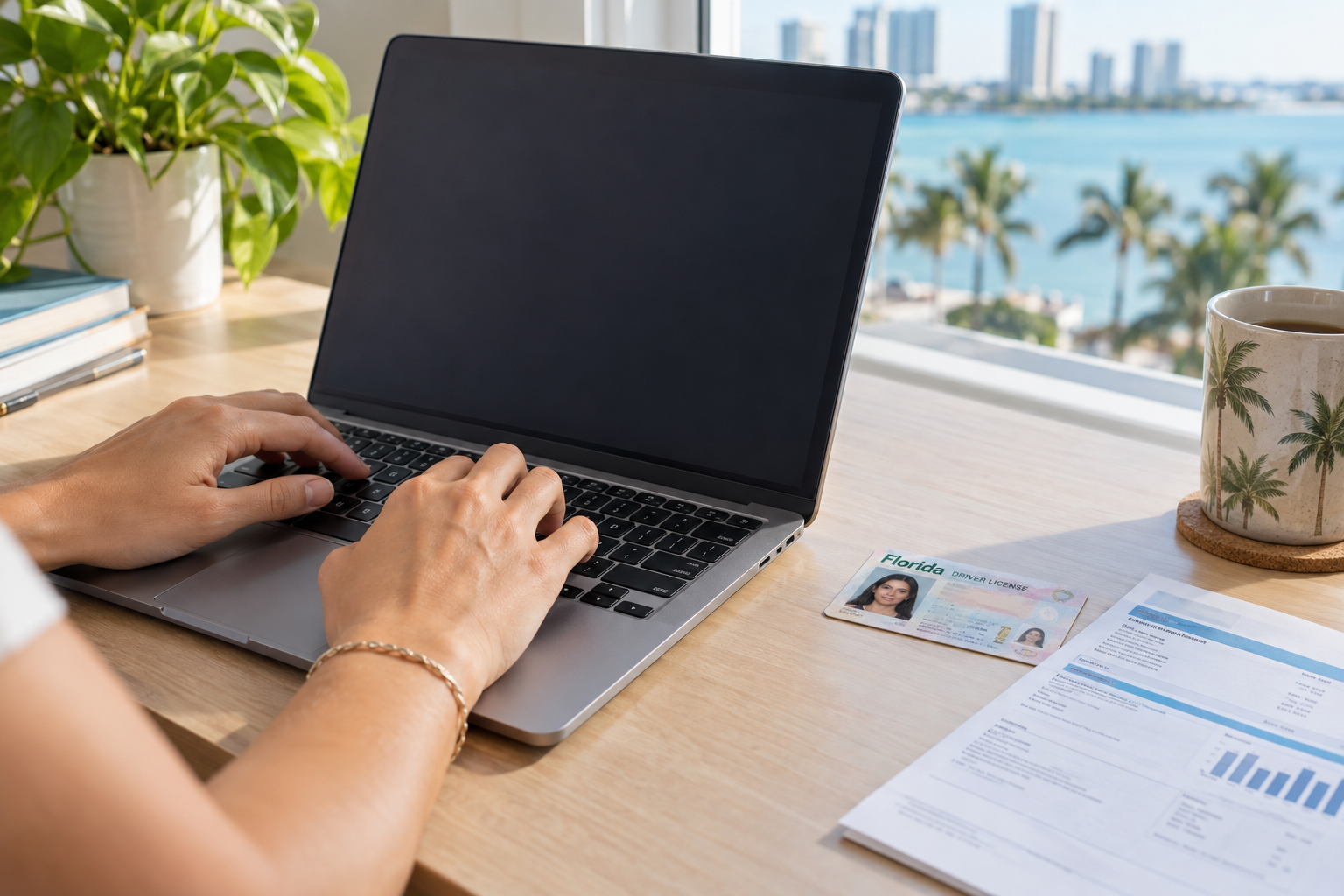
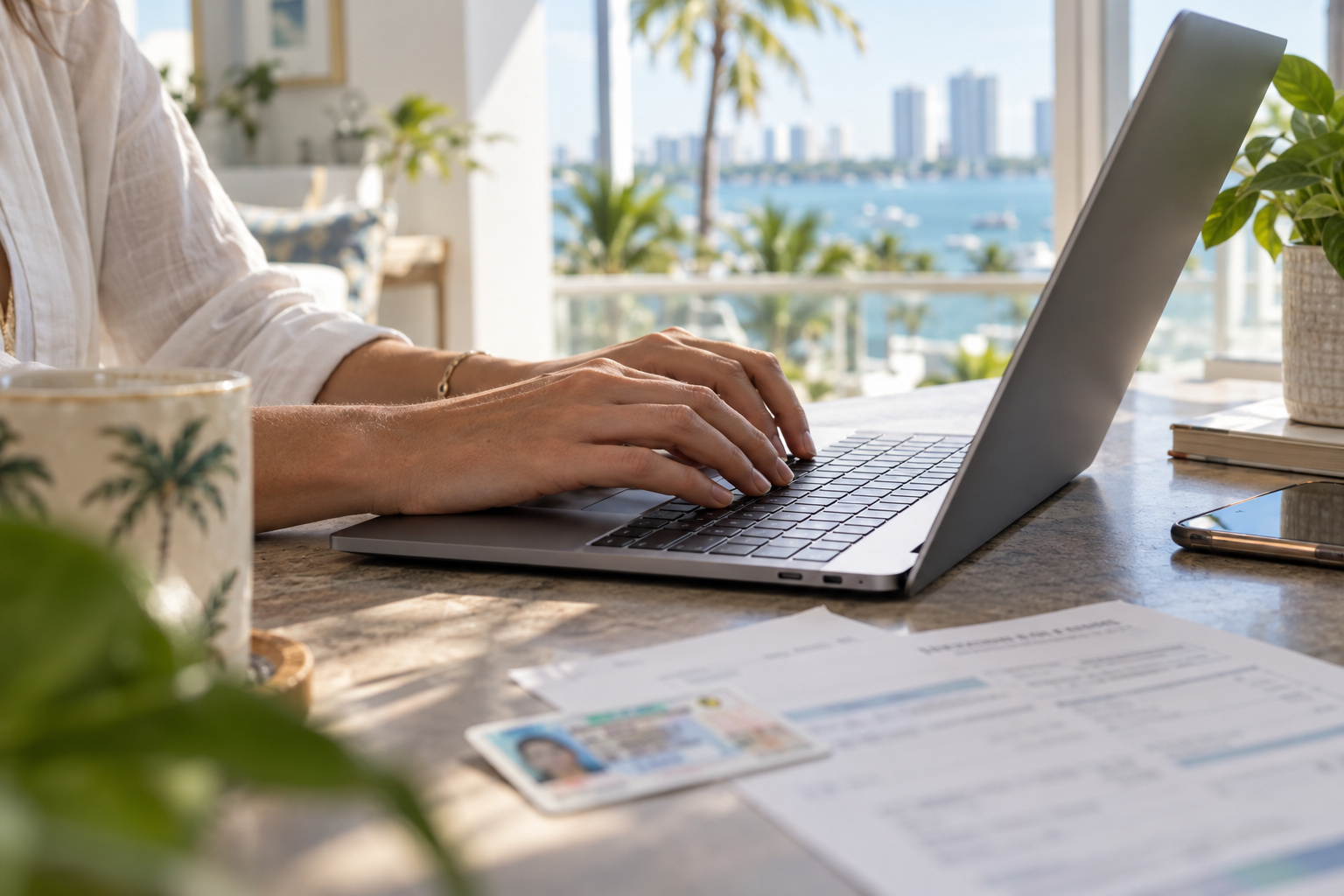
The form asks for your legal name, date of birth, home address, mailing address if different, email and phone. Use the name on your ID exactly as printed, because the branch staff will compare the two when you activate the card.
The address matters more than anything else on the page. The system checks it against county records to decide whether you qualify for a free card. A typo in the ZIP code or a unit number in the wrong field is the most common reason an application bounces. Type the address the way it appears on your driver’s license or utility bill.
You will be asked to agree to the borrowing policy. In plain terms, you are promising to return materials on time, pay for anything lost or damaged, and keep your contact information current. Read it once. It is short.
Step 4: Save your card number and PIN
After you submit, the confirmation screen or a follow-up email gives you a barcode number and a PIN. Screenshot it. That number is your login for the catalog, Libby, hoopla and every database the library licenses.
If no email arrives within an hour, check spam, then try the “forgot PIN” option on the catalog sign-in page with the email you used. If that fails, call the library’s main number listed on its website and ask for the registration desk.
Step 5: Start using digital resources today
Download Libby, tap “Add a Library,” search for your county system, and enter the card number and PIN. The app will show you the e-book and audiobook catalog with wait times for each title. hoopla works the same way and has no holds, with a monthly checkout limit set by each library.
Beyond books, your online library card unlocks resources that most people never find:
- Research databases, including newspaper archives, consumer reports, genealogy tools and homework help for kids
- Language learning platforms
- Streaming film in some systems
- Online classes and test prep
- Free access to magazines and newspapers that normally sit behind paywalls
Each library lists these on an “eResources” or “Digital Library” page. Browse it once and bookmark the ones you will use.
Step 6: Visit a branch to activate full borrowing
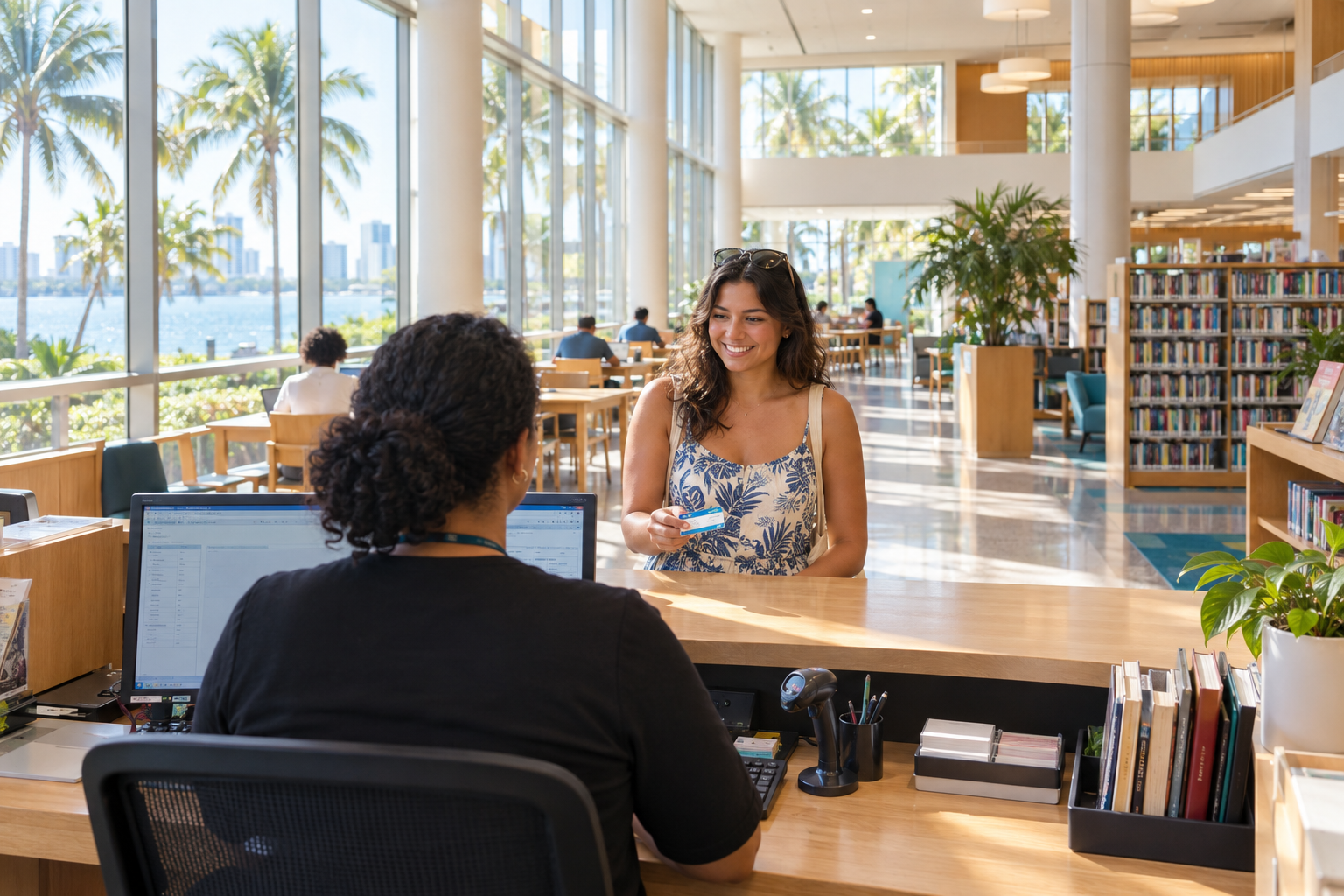
An online library card gets you digital materials. Physical books, DVDs, museum passes and interlibrary loan need the full card, which means a staff member has to see your ID.
Bring a Florida driver’s license or ID card. If the address on it is old, bring something recent with your name and current address: a utility bill, lease, bank statement or voter registration card. Any branch works, not just the one nearest the address you gave. The downtown “miami dade main library” on West Flagler Street handles registrations all day and is the easiest option if you work downtown, while Broward’s Main Library on South Andrews Avenue in Fort Lauderdale does the same.
Each system sets a deadline for upgrading the online card. If you miss it, the temporary number may expire and you will apply again. The confirmation email usually states the window. If it does not, ask.
Good to know
Online cards expire if you never visit a branch, and some systems delete the account entirely. Fines for lost items and non-resident fees are also set per county and change without much notice, so confirm current figures on the library’s own fees page before you rely on an old number.
Cards for kids and teens
Children can get a card at any age, but a parent or guardian has to sign for applicants under 18. Some online forms let a parent apply on a child’s behalf, while others require the in-person visit to start the card. Either way, bring the child and your own ID to the branch.
A kid’s card typically has the same access as an adult card, including Libby and hoopla, which makes it handy for school reading lists. Parents can set checkout limits or restrict certain collections on request.
Free cards if you live outside your county
Library cards are tied to where your taxes go, so a Miami-Dade resident does not get a free Broward card just by asking. There are a few legitimate routes to a second card:
- Work or own property in another county. Broward in particular issues free cards to people who work in the county or own property there. Bring a pay stub or property tax record.
- Pay the non-resident fee. All three systems sell annual cards to non-residents. Fees vary and are listed on each library’s website.
- College and school access. Students at Miami Dade College, Broward College, Florida Atlantic University and the public school districts often have agreements with their county library. Ask your campus library.
Once you have more than one card, Libby lets you stack them. Add each library separately in the app, and when you search for a title, Libby shows which card has the shortest hold. Tap the one with the lowest wait. Your loans from all cards appear on one shelf.
Local tip
Every Florida resident can use the Florida Electronic Library, a state-funded set of research databases, without any library card at all. It covers academic journals, business directories and newspaper archives. If you only need databases and not e-books, start there while your county card is pending.
Common problems and fixes
| Problem | Likely cause | Fix |
|---|---|---|
| Address rejected as out of district | Typo, PO box, or city with its own library | Retype the street address; check the taxing-district map |
| No confirmation email | Spam filter or wrong email | Check spam; use the PIN reset on the catalog page |
| Libby says the card is invalid | PIN mismatch or card expired | Reset the PIN; verify the activation deadline |
| Can’t place holds on physical books | Online card not activated | Visit a branch with ID |
| Card expired after a few years | Standard renewal cycle | Renew online or at the desk with current ID |
| Blocked by old fines | Unpaid charges on a previous card | Ask the branch to pull up the old account and settle it |
Renewing your card
Library cards in all three counties expire on a cycle, usually every few years, so the library can confirm you still live in the district. Renewal is often possible online if your address has not changed. If you moved, bring updated proof of address to a branch. Expired cards keep your holds and reading history, so renewing within a reasonable time restores everything.
When to get help
Call or chat with the library when the online form rejects a valid address, when you have an old account with fines you do not recognize, or when a child’s card needs to be set up remotely. Every county library website has a “Contact Us” or “Ask a Librarian” page with phone, email and chat hours. Staff can look up your account by name and birth date and fix most registration problems in one call.
FAQ
Can I get a library card online without visiting a branch?
You can get a digital-only card online and use it for e-books, audiobooks and databases immediately. Physical borrowing requires an in-person ID check at any branch in your county system.
Is an online library card free?
Yes, for residents of the county that runs the library. Non-residents pay an annual fee set by each system. Residents of cities with their own municipal library in Palm Beach County should apply to the city library for a free card.
Which address proves I live in the district?
A Florida driver’s license or ID with your current address is the simplest. If it is outdated, a lease, utility bill or bank statement dated within the past couple of months works. Policies differ slightly by county, so bring two forms if you are unsure.
How long does online library card approval take?
Most applications issue a card number instantly or within minutes by email. If your address needs manual review, expect a reply within a few business days.
Can I use my South Florida library card in another county?
Not automatically. Each county checks eligibility separately. You can qualify for a second card if you work or own property there, or you can pay that county’s non-resident fee. Inside Libby, multiple cards combine into one shelf.
Do I need a separate card for Libby and hoopla?
No. The same card number and PIN sign you in to every digital service your library licenses. Each app sets its own checkout limits, so you can borrow from both in the same month.