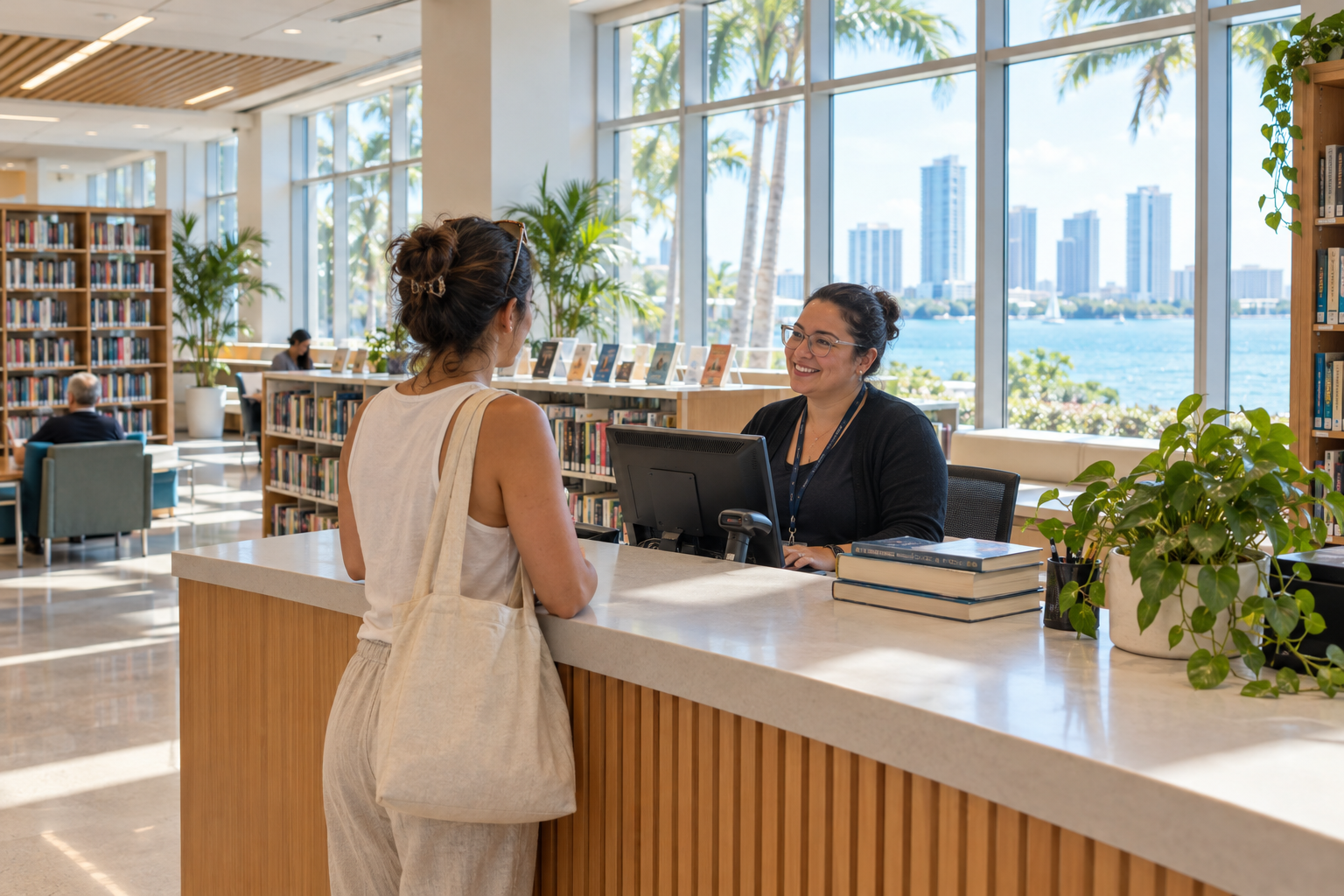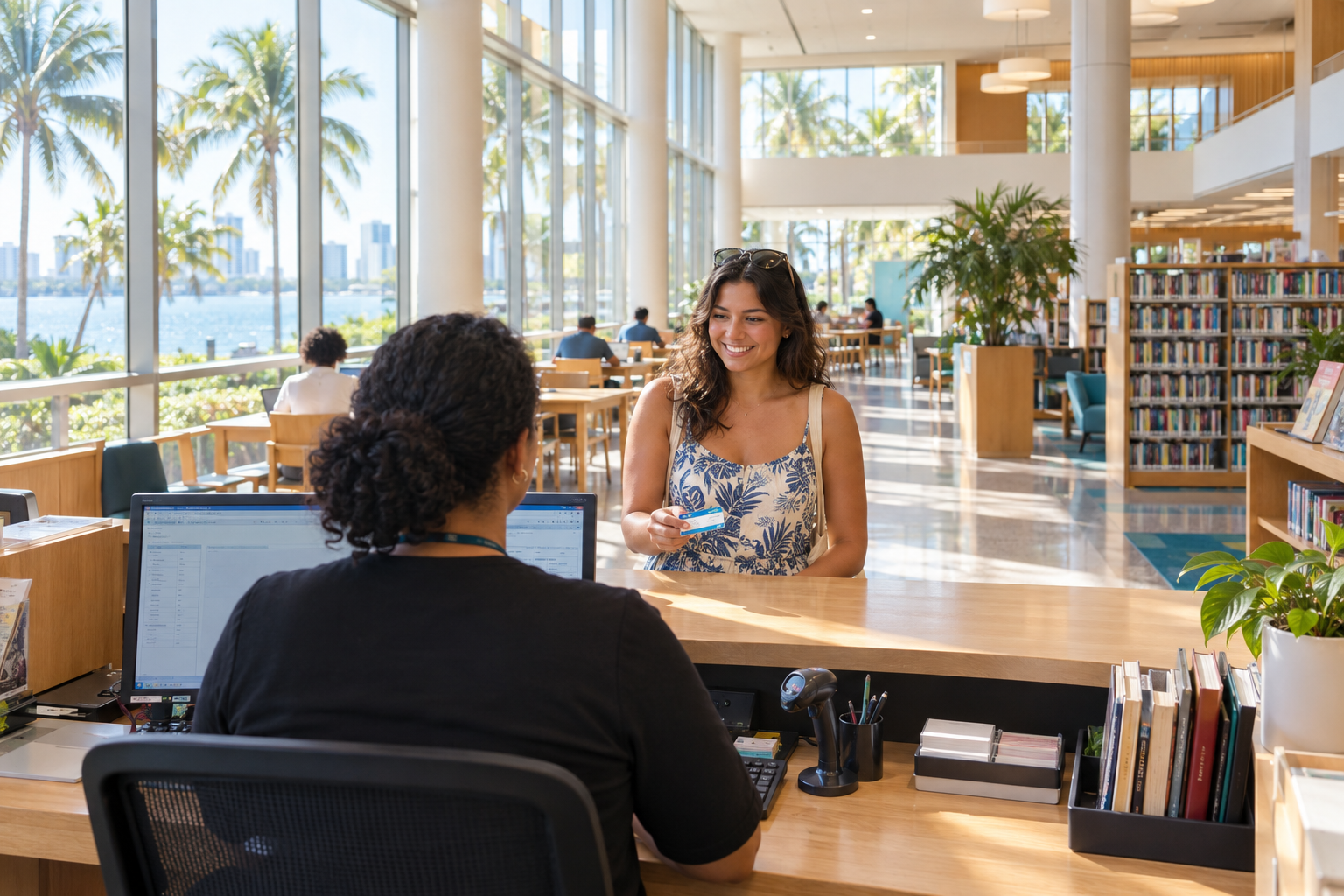
The Miami-Dade Public Library System is the county-run library network serving most of Miami-Dade County from the Main Library on West Flagler Street and roughly 50 locations. A free card covers books, eBooks, databases, computers, classes and events at every branch. Most residents can start online, then finish at the nearest branch with ID and proof of address.
Quick steps: start using the library
- Confirm your address is in the county library service area.
- Start a card application on the library’s website.
- Bring photo ID and proof of address to any branch.
- Set your PIN and log in to the online catalog.
- Place holds and pick a branch for pickup.
- Add your card to Libby and other digital apps.
- Check the events calendar for your branch.
What you need
- Government-issued photo ID
- Proof of current Miami-Dade address (lease, utility bill, bank statement)
- A parent or guardian present for a child’s card
- An email address for notices and digital apps
- Your card number and PIN for online services
What the system is, and who it serves
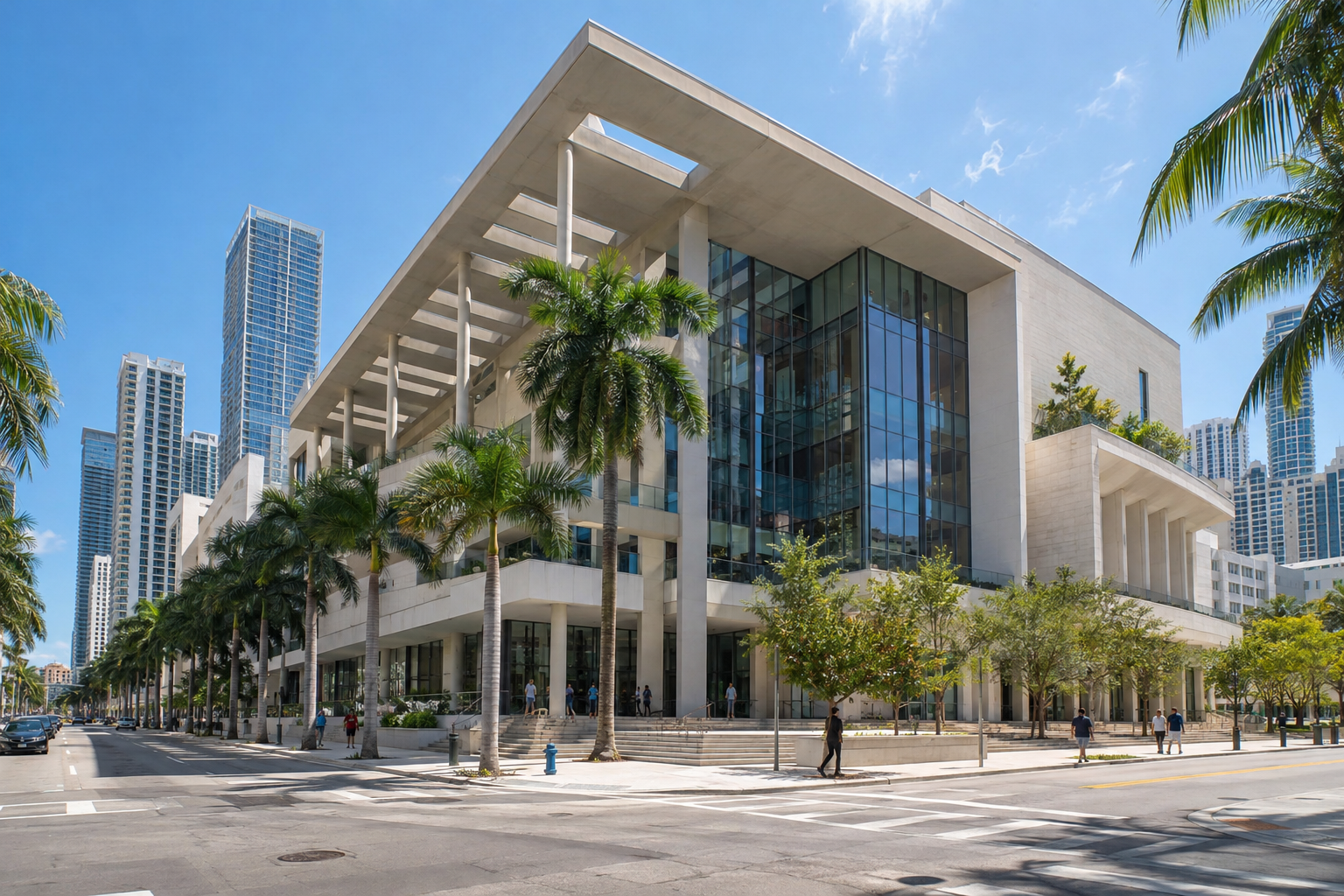
The Miami-Dade Public Library System is a department of Miami-Dade County government. It is not a city library or a private nonprofit. It is funded mainly through a dedicated library property tax collected from properties inside its service area. That funding model explains most of the rules we run into as patrons. Residents of the service area already pay for the library through their tax bill, so their cards are free. People outside it are asked to pay for access.
The service area covers unincorporated Miami-Dade and most of the county’s municipalities. A few cities run their own libraries instead of participating in the county system. Hialeah, North Miami and Homestead are the best-known examples, each operating a city library. If you live in one of those cities, your first stop is your city library. County card eligibility for those residents depends on current county policy, so confirm it with a branch before you go to sign up. A branch that sits inside a city’s limits, such as Coral Gables or the Miami Beach locations, can still be a county branch. The sign on the door and the library’s own locations page settle the question faster than the city name does.
The network itself breaks into three tiers:
- The Main Library at 101 West Flagler Street downtown, which holds the deepest collections, the special collections and the system’s administrative center.
- Regional libraries such as North Dade Regional, South Dade Regional, West Dade Regional, West Kendall Regional and Miami Beach Regional. These are larger buildings with longer hours, more computers, more meeting rooms and bigger collections.
- Neighborhood branches ranging from busy suburban libraries like Miami Lakes, Kendale Lakes, Lakes of the Meadow and Pinecrest to small storefront and community branches such as Arcola Lakes, Lemon City and Coconut Grove.
Mobile services fill gaps. The system has run a Technobus, a mobile computer lab, along with outreach vehicles that bring materials and programs to parks, schools and community events. Their schedules change with the season, so the library’s website is the place to see where they will be.
One card works across the entire network. A book borrowed in Doral can be returned in Kendall, and a hold placed from Miami Beach can be picked up in Cutler Bay. Internally, the county moves materials between locations on delivery routes. That shared catalog is the single biggest reason to think of the library as one system, not 50 separate buildings.
Step 1: Check that you qualify for a free card
Free cards go to people who live in the library’s service area. Policy on extending free cards to property owners, workers or students who live elsewhere has varied over time, so check the current eligibility list on the card application page or ask at a branch desk before you assume either way.
If you live in Broward or Palm Beach, or in a Miami-Dade city outside the service area, you can usually buy an annual non-resident card. The fee is set by the county and can change, so we do not quote it here. Look up the current amount on the library website or ask a branch. Our guide to non-resident library cards in Broward, Miami-Dade and Palm Beach compares how the three counties handle this, which helps if you split your week between two counties.
Visitors and seasonal residents should weigh the fee against what they will actually use. Someone in town for two weeks can usually get by on the free public Wi-Fi and walk-in use of the building, both of which do not require a card. A snowbird here from November to April, borrowing every week and reading on Libby, will likely get the fee’s value back within a month.
Children qualify for their own cards. A parent or legal guardian generally has to be present, show ID and accept responsibility for the account. Teen cards follow similar rules, and the library has historically offered cards with limits tailored to younger users. Ask the desk what applies to your child’s age.
Step 2: Apply online or at a branch
There are two routes, and the online start saves time for most people.
Online. The library website has a card application that lets you register before you visit. In many cases this gives you an eCard or a provisional account that unlocks digital resources right away, with full borrowing privileges added once a staff member verifies your ID and address in person. The exact rules for what an online-only account can do have changed over the years, so read the current terms on the application page. Our guide on how to get a library card online in South Florida walks through the online process for all three counties side by side.
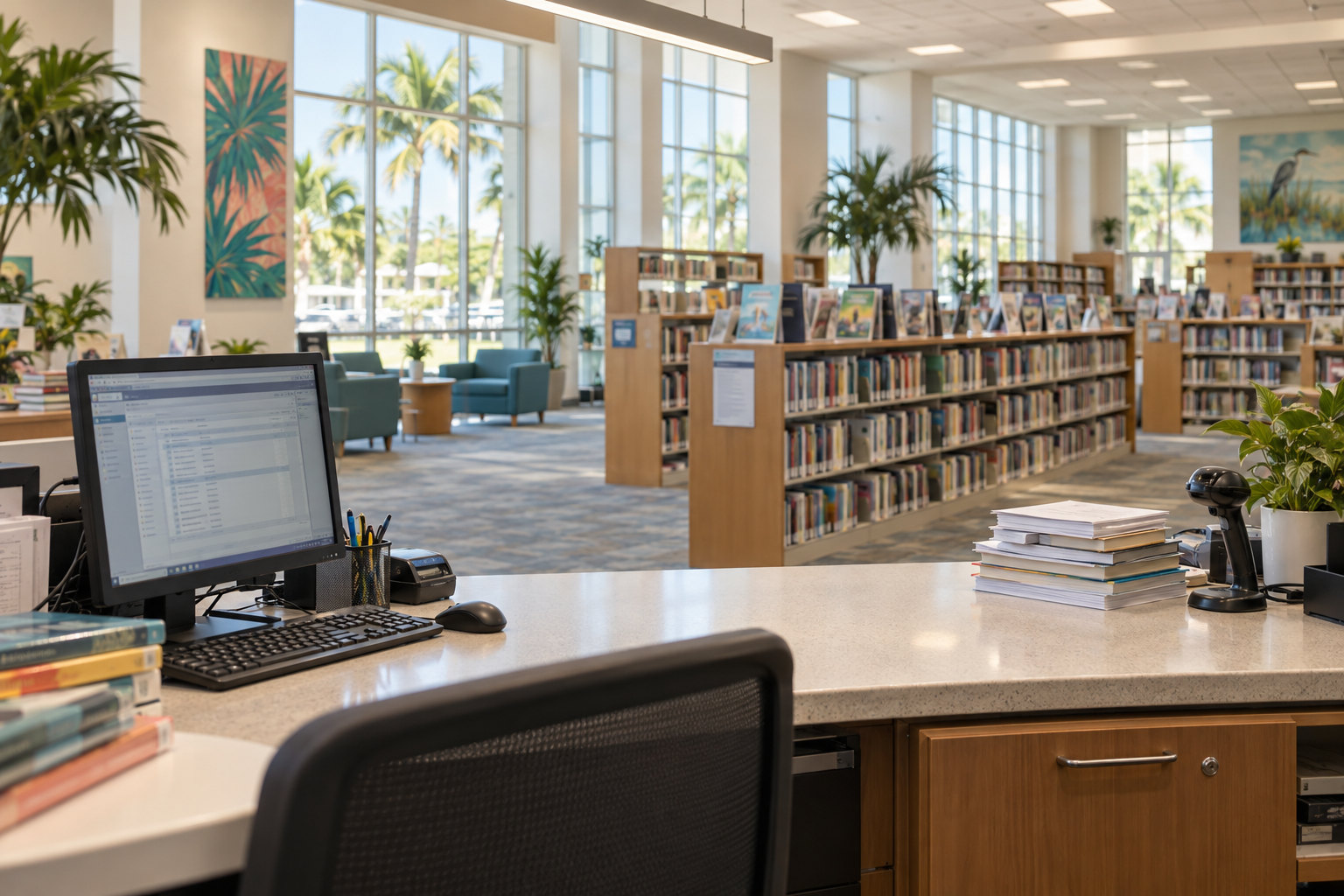
In person. Walk up to the circulation desk at any branch with your photo ID and proof of address. Staff create the account, issue the physical card and help you set a PIN. On a quiet weekday morning this takes about ten minutes. Saturday afternoons at regional libraries are a different story.
Local tip
Apply at a neighborhood branch on a weekday morning, not a regional library on Saturday. Small branches like Coconut Grove or Arcola Lakes often have no line, and your card works everywhere.
Proof of address trips up more applicants than anything else. A driver’s license with a current Miami-Dade address usually covers both ID and address. If your license still shows an old address, bring a recent utility bill, lease, bank statement or official mail with your name and current address. Students living in dorms and people who just moved should bring two documents if they can.
Step 3: Set up your online account
Once you have a card number and PIN, log in to the catalog. The account dashboard shows what you have checked out, due dates, holds, pickup notices and any charges. From there you can renew items, freeze holds while you travel and update your email and phone number.
Turn on email notifications. The system sends notices when holds arrive and when due dates approach, and those emails prevent most of the problems we see at the desk. Check that the email on file is one you actually read.
The library’s catalog and website depend on JavaScript. If a page shows a message saying JavaScript is required, or the search box does nothing, your browser has scripts blocked. Enable JavaScript for the library site, or switch browsers. Privacy extensions and older work computers cause this more often than the library’s servers do.
Step 4: Search the catalog and place holds
The catalog is the front door to the physical collection. Search by title, author, subject or keyword, then narrow by format: books, large print, audiobooks on disc, DVDs, music, magazines and items in Spanish, Haitian Creole and other languages. Each record shows which branches own a copy and whether it is on the shelf.
Placing a hold is the most useful skill in the system. When you request an item, you choose a pickup branch. The library pulls a copy from wherever one is available and sends it to that branch. When it arrives, you get a notice and have a set number of days to collect it from the holds shelf. Pickup windows and hold limits are set by the library and can change, so check your account for the exact figures.
The library’s homepage and catalog also put curated lists front and center. A few are worth knowing:
- New York Times Bestsellers. The system maintains lists matched to the current bestseller rankings, with direct links to place holds. Popular titles build long queues, so placing holds early pays off.
- New & Coming Soon. This list shows recent arrivals and titles on order. You can often place a hold on a book before its release date and be near the front of the line when copies land.
- Staff picks and themed lists for heritage months, award winners and genre reading.
Local tip
For hot new releases, check both the print and Libby queues. The shorter line is often on whichever format fewer people think to check.
Step 5: Use the digital library
The eLibrary is where a card earns the most value per dollar of property tax. Everything in it is free to cardholders and works from home.
eBooks and eAudiobooks
The system offers eBooks and eAudiobooks through the Libby app, which runs on OverDrive’s platform. Add your card in Libby, browse or search, and borrow or place holds just as you would with print. Loans return themselves automatically, so there are no late returns. The library may also offer other platforms for instant-borrow titles, comics or streaming. The lineup changes as contracts renew, so the eLibrary page is the authoritative list.
Digital copies carry their own licenses, which means a popular eBook can have a waitlist just like a physical book. Libby shows your estimated wait. Using the “deliver later” option on a hold keeps your place in line if a title comes up while you are already busy with another book.
Online newspapers and magazines
The Online Newspapers & Magazines section of the library website gathers digital access to current newspapers and magazines, plus archives. Depending on current subscriptions, this can include major national dailies, regional papers, Spanish-language titles and thousands of magazines in digital form. Some services let you read in a browser; others use their own apps and ask you to sign in through the library’s site periodically to renew access.
For local research, historical newspaper archives are the highlight. Genealogists and anyone researching a property, a family or a neighborhood’s past should start here before paying for a commercial archive.
Research databases and learning tools
Behind the database list sit resources we would otherwise pay serious money for: business and company directories, consumer product reviews, legal forms, auto repair manuals, test prep for the GED, SAT and civil service exams, language learning, and genealogy services. Some of these work from home with a card number and PIN. Others, especially premium genealogy tools, are licensed only for use inside library buildings. The database list marks which is which.
Online courses and tech training round out the collection. The library has offered platforms covering software skills, coding and job training, plus live classes on everything from smartphone basics to Google Workspace and Microsoft Office. These are among the most underused resources in the system.
Step 6: Use the buildings
The digital library is excellent, but the branches still do work nothing else in the county does.
Computers, Wi-Fi and printing
Every branch offers free public Wi-Fi and public computers. Cardholders typically log in to computers with their card number and PIN, and guest passes are available for visitors. Session time limits apply when demand is high. Printing, copying and scanning are available at a per-page charge; mobile printing from your own device may also be offered. Prices are set by the county and posted at each branch.
Regional libraries have the most computers and the longest hours, which makes them the safest bet for remote workers and job seekers. Smaller branches can fill up quickly after school lets out.
Study rooms and meeting rooms
Larger branches have study rooms that can be reserved, plus meeting rooms that community groups can book under the county’s meeting room policy. Rules on fees, advance notice and permitted uses are set by the library, so read the current policy before planning an event.
Tech and maker spaces
The system has invested in YOUmedia spaces, teen digital learning labs with equipment for music recording, video production, design and gaming, staffed by mentors. They operate at selected branches. Other branches have hosted makerspace equipment such as 3D printers. Availability varies by location, so check the branch page or call before making the trip for a specific tool.
Civic services
Branches double as civic infrastructure in Miami-Dade. Many serve as early voting sites during elections. Selected branches have offered passport application acceptance by appointment, and free tax preparation help often runs at libraries during filing season through volunteer programs. These services rotate by year and location, so confirm on the library website or with the agency running the service. For court records, filings and similar business, you will need the courthouse instead; our guide to Miami-Dade clerk of courts locations, online services and what they handle covers where to go.
Programs, events and the events calendar
The Events Calendar on the library website lists everything happening across the system. Filter by branch, age group and program type. Most events are free, and many do not require registration, though popular classes and workshops often do.
For children and families
Story time is the backbone of children’s programming, with sessions aimed at babies, toddlers and preschoolers. Branches add crafts, STEM activities, bilingual story times and visits from performers. The summer reading program runs every summer when school lets out, with reading challenges and events built around a theme. Children’s librarians also support homework help and school-year reading lists.
The children’s collection covers board books, picture books, early readers, chapter books and a strong comics and graphic novel section, which is often the fastest way to hook a reluctant reader.
For teens
Teen programs include gaming, anime and comic events, creative writing, college and career prep, volunteering opportunities and the YOUmedia labs. Teens who need community service hours for school or Bright Futures scholarship requirements should ask their branch about volunteer roles, since openings depend on staffing.
For adults
Adult programming covers book clubs, author talks, film screenings, ESOL and English conversation groups, citizenship preparation, health workshops, financial literacy and job search help. Project L.E.A.D. (Literacy for Every Adult in Dade) is the system’s long-running adult literacy program, pairing adults who want to improve reading and writing with trained volunteer tutors.
Heritage months shape much of the calendar. Black History Month, Women’s History Month, Hispanic Heritage Month and other observances bring exhibits, talks and performances across the network. National Library Week in April usually adds extra events.
Newsletter and alerts
The library publishes an email newsletter. Subscribing is the easiest way to learn about new programs, closures and new digital resources without checking the calendar every week. Branch closures for storms, renovations and holidays also appear on the website’s homepage and social media accounts.
Good to know
During hurricane watches and warnings, branches close on short notice and some become relief points. Check the library homepage or the county’s emergency channels before driving over.
The Main Library and special collections

The Main Library sits at 101 West Flagler Street, part of the downtown Miami-Dade Cultural Center. It is the flagship of the system and the place to go for deep research, the largest collections and specialized help. Government Center, the Metrorail and Metromover hub, is directly next door, which makes it the easiest library in the county to reach without a car. Our guide to the Miami-Dade Main Library downtown, with hours and parking, covers the visit itself in detail.
Several resources live mainly or only at Main:
- The Florida Collection, a research collection on Florida and South Florida history, people and places, including books, maps, photographs and local documents.
- The Vasari Project, the library’s archive documenting the history of art and artists in Miami-Dade.
- The library’s art collection and exhibitions, which rotate through the building and other branches.
- Government documents and reference collections that support legal, business and genealogical research.
Some special collection materials do not circulate and may require an appointment to view. Contact the Main Library’s reference staff before making a trip for a specific item.
How borrowing, returns and charges work
Loan periods vary by format, and new or high-demand items can have shorter loans. Your account shows each item’s due date. Most items can be renewed online if no one else has placed a hold on them.
Returns work at any branch, in the building or through the outdoor book drops at most locations. Do not return library items to a city library like Hialeah’s or to a Broward branch. They are separate systems and your item will not be credited to your account promptly, if at all.
Charges are where policies change most often. Many library systems nationwide have dropped or reduced overdue fines in recent years, while still billing for lost or damaged items. The Miami-Dade Public Library System’s current rules on overdue charges, account blocks and replacement costs are posted on its website. If your account shows a block, staff can explain exactly why and what clears it. Returning an item usually removes a lost-item charge if the bill has not been sent to collections.
How the system fits with Broward and Palm Beach
South Florida’s three big counties run three separate library systems: the Miami-Dade Public Library System, Broward County Library and the Palm Beach County Library System. Each has its own card, catalog, eLibrary and rules. A Miami-Dade card does not automatically work in Broward or Palm Beach, and vice versa.
That separation matters for people who live in one county and work in another. Pembroke Pines residents working downtown Miami, or Homestead families who spend weekends in Fort Lauderdale, often end up with cards in two systems. If you qualify for a free card in your home county and the second county’s non-resident fee is worth it to you, two cards double your eBook collection and cut your hold wait times, since each system licenses digital titles separately.
Florida’s public libraries also participate in statewide resources, and interlibrary loan can bring in materials from outside the county when no local library owns them. Ask at the reference desk about requesting an item through interlibrary loan; policies and any fees are set by the library.
Extras that most cardholders miss
A few resources consistently surprise people when they hear about them at the desk.
Museum and attraction passes. Many library systems run programs giving cardholders free or discounted admission to museums and cultural venues. Offerings and participating institutions change, so check the library website for any current pass program. Our guide on how to get free museum passes from your library explains how these programs typically work across South Florida.
Language collections. The system holds substantial Spanish-language collections and materials in Haitian Creole, Portuguese, French and other languages spoken across the county, both in print and in the eLibrary. Branches in neighborhoods with large Spanish- and Creole-speaking communities tend to have the deepest local collections, and the holds system will bring any title to your preferred branch.
Local authors and community history. Branches host local author events, and the Florida Collection supports anyone writing about Miami-Dade. Community groups, including Friends of the Library organizations that support individual branches, often run used book sales where hardcovers go for a dollar or two.
Job and small business help. Business databases, résumé workshops and career resources make the library a strong first stop for job seekers and new business owners. Reference librarians can point you to company directories, market data and licensing information faster than a general web search.
Common problems and fixes
| Problem | Likely cause | Fix |
|---|---|---|
| Card application rejected | Address outside service area or proof of address doesn’t match | Bring a second dated document with your current address, or ask about a non-resident card |
| Libby says card is invalid | Wrong library selected, expired card, or online-only account limits | Confirm you chose Miami-Dade Public Library System in Libby; check card status at a branch |
| Forgot PIN | PIN never set or changed long ago | Use the PIN reset on the catalog login page, or ask staff with photo ID |
| Account blocked | Overdue items, lost-item charges or expired card | Check your account dashboard, return items, then call or visit a branch |
| Hold disappeared | Pickup window expired | Place the hold again; turn on email or text notices |
| Catalog won’t load | JavaScript blocked in your browser | Enable JavaScript for the library site or switch browsers |
| Live in Hialeah, North Miami or Homestead | City runs its own library outside the county system | Get a card at your city library; ask the county about current eligibility |
| Moved within Miami-Dade | Address on file is outdated | Update address at a branch with new proof |
When to get help
Ask a librarian when a database won’t open from home, when you need a non-circulating item from Main, or when a charge looks wrong. Call or visit any branch with your card and photo ID; reference staff handle research questions, and circulation staff handle accounts.
Getting the most from your card: our playbook
After years of using the system for everything from novels to genealogy, here is how we would set up a new card in a single afternoon.
First, finish the in-person verification so your account has full privileges. Second, log in to the catalog, set your preferred pickup branch to the one nearest home or work, and turn on notifications. Third, install Libby and add the card. Fourth, open the eLibrary page and bookmark three or four databases you will actually use: the newspaper archive, a language course, test prep or the auto repair manuals. Fifth, place holds on two or three titles from the New York Times Bestsellers or New & Coming Soon lists so something is always on the way. Finally, subscribe to the newsletter and check the events calendar for your branch so you know what story times, classes or author talks fit your week.
That routine turns a plastic card into a working household resource. It replaces several subscriptions for most families, and in a county where many of us pay for the library through our property taxes, it is money we have already spent.
FAQ
Is the Miami-Dade Public Library System free?
Yes, for residents of its service area. Cards, borrowing, eBooks, databases, Wi-Fi, computer use and most events cost nothing. Printing, copying, lost items and some special services carry charges posted by the library.
How many branches does the library have?
The system operates roughly 50 locations, including the Main Library downtown, several regional libraries and many neighborhood branches, plus mobile services. The library’s locations page has the current list with addresses and hours.
Can I get a Miami-Dade library card if I live in Broward or Palm Beach?
Usually yes, by paying an annual non-resident fee. The county sets the amount and it can change, so confirm the current fee on the library website or at a branch before applying.
Does my Miami-Dade card work at Broward County Library?
No. Broward County Library and the Palm Beach County Library System are separate systems with their own cards. You need a card from each system you want to use.
Do Hialeah, North Miami and Homestead residents use the county library?
Those cities run their own city libraries, and residents should start there. Whether they can also get a free county card depends on current county policy, so ask a county branch before you apply.
Can I get a library card online?
You can start the application online, and an online registration may give immediate access to some digital resources. Full borrowing privileges typically require a quick in-person visit with photo ID and proof of address.
Where is the main library?
The Main Library is at 101 West Flagler Street in downtown Miami, directly south of the Government Center Metrorail and Metromover station. Check the library website for current hours.
Does the library charge late fines?
Policies on overdue charges have changed across many U.S. library systems in recent years. The Miami-Dade Public Library System posts its current rules on overdue items, account blocks and lost-item charges on its website, and any branch can explain what applies to your account.